 具身智能在线仿真实训平台
 01_simulation
第01 章:工业物流分拣仿真场景搭建
载入机器人、物流线与分拣对象,建立可观察的仿真基线。
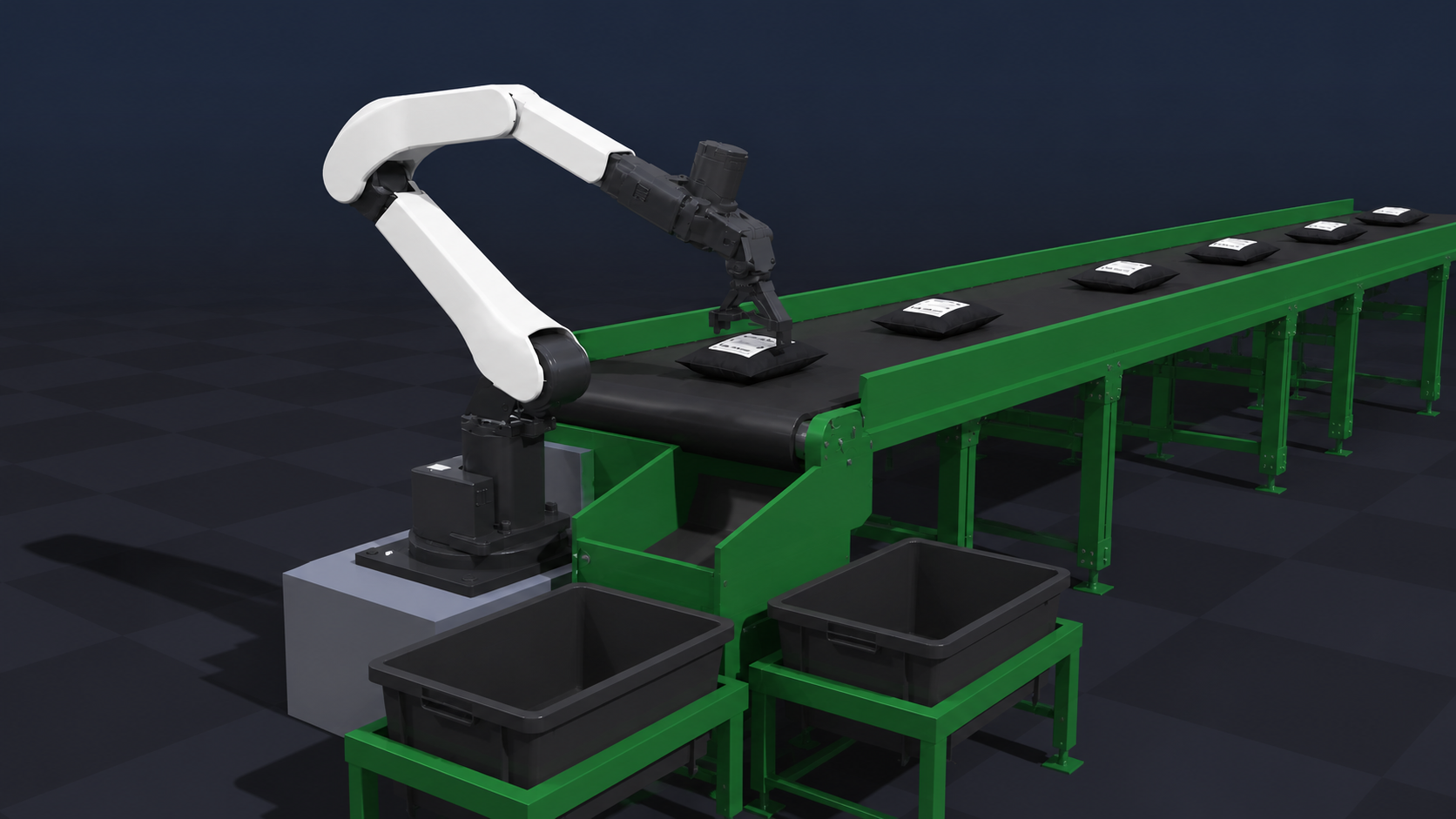
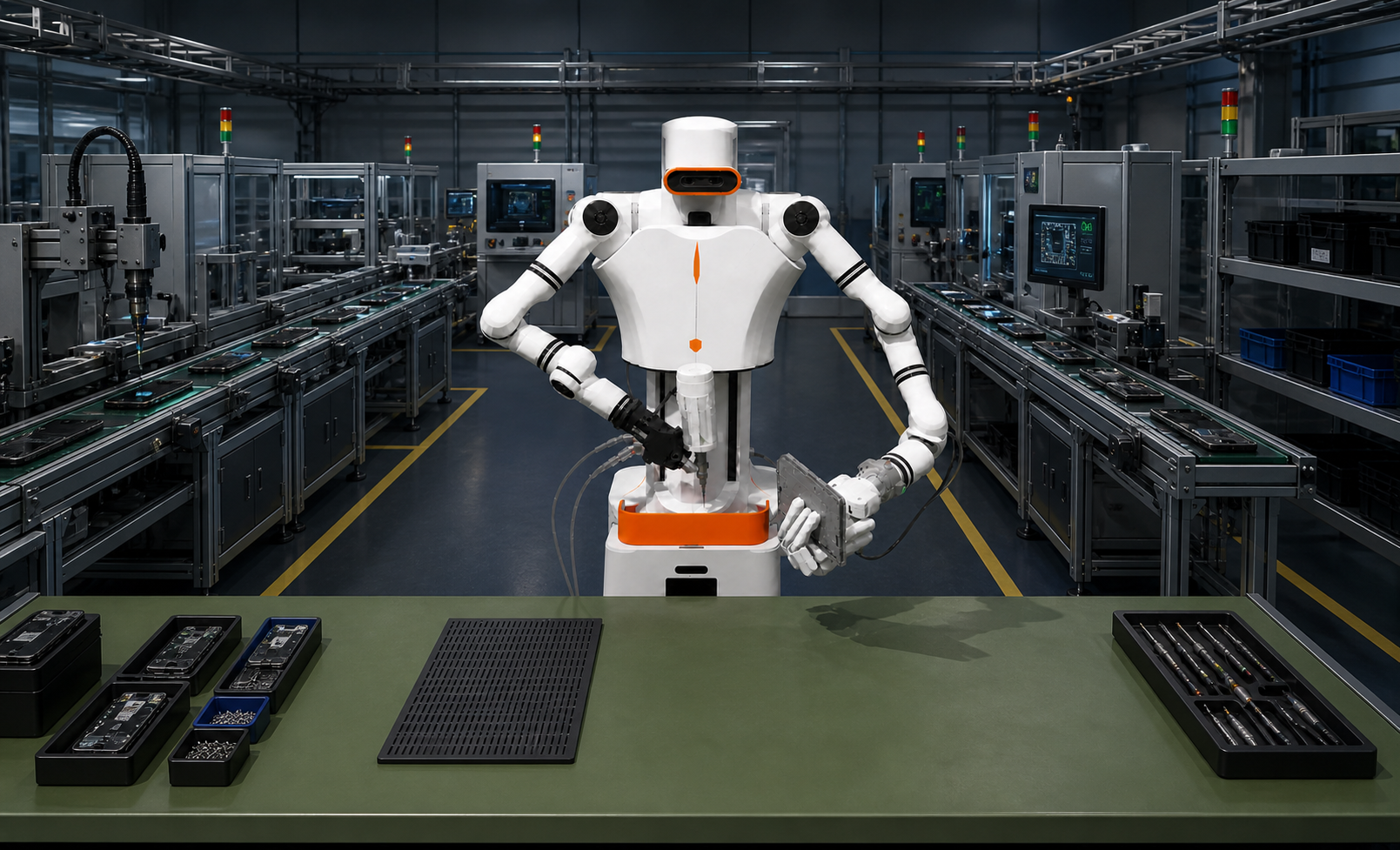
载入机器人、物流线与分拣对象,建立可观察的仿真基线。
import json
from pathlib import Path

import matplotlib.pyplot as plt
import numpy as np
from IPython.display import display
from online_simulation import world
# 构建仿真场景并恢复到本章基线
scene = await world.build()
display({
    '场景资源文件数': scene['asset_file_count'],
    '核心实体数': len(scene['entities']),
    '任务对象数': len(scene['objects']),
    '机械臂关节数': len(scene['joint_degrees']),
})
# 列出机器人、传感器、工具和任务物体
entity_catalog = [
    {'类别': item['kind'], 'ID': item['id'], '名称': item['label'], 'Body': item['body']}
    for item in scene['entities']
] + [
    {'类别': 'task_object', 'ID': item['id'], '名称': item['label'], 'Body': item['body']}
    for item in scene['objects']
]
display(entity_catalog)
# 读取当前仿真场景中的位置与方向
def pose_record(item, kind):
    pose = item['pose']
    return {
        '类别': kind,
        'ID': item['id'],
        'Base位置/m': [round(value, 4) for value in pose['position_m']],
        '四元数(wxyz)': [round(value, 4) for value in pose['quaternion_wxyz']],
    }

pose_records = [pose_record(item, item['kind']) for item in scene['entities']]
pose_records += [pose_record(item, 'task_object') for item in scene['objects']]
display(pose_records)
# 把四元数转换为便于阅读的 Roll / Pitch / Yaw
def quaternion_to_rpy_degrees(quaternion_wxyz):
    w, x, y, z = np.asarray(quaternion_wxyz, dtype=float)
    roll = np.arctan2(2 * (w * x + y * z), 1 - 2 * (x * x + y * y))
    pitch = np.arcsin(np.clip(2 * (w * y - z * x), -1.0, 1.0))
    yaw = np.arctan2(2 * (w * z + x * y), 1 - 2 * (y * y + z * z))
    return np.degrees([roll, pitch, yaw])

for record, item in zip(pose_records, [*scene['entities'], *scene['objects']]):
    record['RPY/°'] = np.round(
        quaternion_to_rpy_degrees(item['pose']['quaternion_wxyz']), 2
    ).tolist()

display(pose_records)
# 在 Base X-Y 平面检查任务物体分布
positions = np.asarray([item['pose']['position_m'] for item in scene['objects']])
fig, axis = plt.subplots(figsize=(7, 5))
axis.scatter(positions[:, 0], positions[:, 1], color='#4176E6')
for item, (x, y, _) in zip(scene['objects'], positions):
    axis.text(x, y, item['id'], fontsize=8)
axis.set_xlabel('Base X / m')
axis.set_ylabel('Base Y / m')
axis.set_aspect('equal', adjustable='box')
axis.grid(alpha=0.22)
plt.show()
# 把局部坐标转换到机器人 Base 坐标
def local_to_base(local_point, frame_origin, yaw_degrees):
    yaw = np.radians(yaw_degrees)
    rotation = np.array([
        [np.cos(yaw), -np.sin(yaw), 0.0],
        [np.sin(yaw),  np.cos(yaw), 0.0],
        [0.0,          0.0,         1.0],
    ])
    return np.asarray(frame_origin) + rotation @ np.asarray(local_point)
# 计算苹果前方 5 cm 的 Base 目标
reference_object = next(item for item in scene['objects'] if item['id'] == 'reference_apple')
origin = reference_object['pose']['position_m']
target_in_base = local_to_base([0.05, 0.0, 0.0], origin, yaw_degrees=0.0)
display({
    '参考对象': reference_object['label'],
    '对象Base位置/m': np.round(origin, 4).tolist(),
    '目标Base位置/m': np.round(target_in_base, 4).tolist(),
})
# 保存本章仿真基线
chapter_result = {
    'entity_poses': pose_records,
    'reference_object': reference_object['id'],
    'sample_target_m': np.round(target_in_base, 4).tolist(),
}
Path('results').mkdir(exist_ok=True)
Path('results/chapter_01_simulation.json').write_text(
    json.dumps(chapter_result, ensure_ascii=False, indent=2),
    encoding='utf-8',
)
print('已保存 results/chapter_01_simulation.json')